HOME/MAJESTRA
Majestra: An Event Booking
& Housing Platform
- Role
- Solo Product Designer
- team
- 1 Product Owner1 Product Designer3 Engineers
- timeline
- Phase 1: Feb 2026 - Nov 2026 (10 months)Currently in progress
- Constraints
- Evolving RequirementsComplex Business Rules0-1 Platform Build
context
The client was Majestra, an event company based in Las Vegas, US. Their business is running large conferences and events end to end: sourcing and negotiating hotels and venues, holding rooms for attendees, selling attendance packages and coordinating everything up to event day. It is a new model, and no existing product or platform really supported their business flow.
They came to our company with a familiar problem: their event management was still mostly manual and scattered across several tools, because nothing on the market matched how they work. Now that they were scaling, they wanted everything in one central system.
Problem
Complex event and housing services were split into scattered workflows.
For Admins
Each event has several hotels, and each hotel has its own:
- Room block
- Nightly rates
- Cut-off and commission due dates
Checkfront, the system the client was using, didn’t manage these per event, so Admins tracked them outside the system.
For Customers
- After buying a package, they still had no room and had to find hotel booking on their own
- Group bookers had to submit a rooming list before a deadline
- Nothing showed what was done or still missing, so deadlines slipped
Research
I worked with the client through weekly meetings held in English to understand how their team managed events in Checkfront, where the current flow got stuck, and what customers needed throughout the booking journey.
Key inputs included:
- Client walkthroughs of their current event and booking workflows in Checkfront.
- Requirement reviews across event setup, packages, accommodation, orders, and reservations.
- Competitor research into platforms such as onPeak and Cvent.
- PO discussions to clarify business rules before finalizing flows.
Following the Admin and customer journeys, I found a few key points to improve:
Admins
Event setup
Admins think in events, but Checkfront made them think in room inventory
To open sales for an event, Admins had to create an "Inventory Category" and then add each hotel and room type as separate items.
Room rates
One rate isn’t enough for a whole stay
Hotels quote different rates for each night, but Checkfront only allowed one fixed rate for the whole period. Admins also had nowhere to keep the hotel contract rate next to the selling price.
After sales open
Most of the work starts after sales open
Besides bookings, Admins had to watch rooming list deadlines, commission due dates and package sale periods. Each falls on a different date, while the old calendar only showed bookings.
Customers
After buying a package
After buying a package, customers think they’re done
To customers, buying a package means they’re registered. But accommodation is a separate step, so to book a room they have to find their way back, even weeks later.
Group booking
Group bookers have to handle everyone else’s details too
When booking several rooms, the booker often doesn’t know yet who stays where, so the rooming list is sent later, before a deadline. By then they have to remember the deadline, collect every guest’s name and keep track of the payment installments themselves.
Solution
Details I worked through across the Admin and customer journeys
01
Event setup in blocks, turn on only what each event needs
old system
Checkfront event setup
In Checkfront, an event was just an "Inventory Category". Hotels, packages and sale dates sat apart, and Admins had to remember what belonged to which event.
new feature
Event setup screen
Each event has its own setup page, split into service blocks: hotels, attendee registration, exhibitor registration, add-ons, sponsorship and the event page. Admins turn on only the blocks an event needs. Each block shows whether it’s complete, so before publishing it’s clear what’s left to do.
02
Rates change by night, but customers only need one number
old system
Checkfront booking flow
Checkfront allowed one fixed rate for the whole inventory period, while hotels quoted different rates for each night.
new feature
Room setup with nightly and contract rates
Admins enter selling rates per night, along with the hotel contract rate and cut-off date, on one screen. Every number for a hotel sits in one place, with nothing to cross-check elsewhere.
new feature
Showing nightly rates to customers
This was the part I spent the most time on. A calendar is the natural way to show different prices per date, but for someone booking one or two rooms it adds too many steps. So by default customers only see the average nightly rate and the total, like familiar booking sites. Those who want detail can open "View nightly rates", and those who need different room types or counts on certain nights can use "Customize by night".
03
Every date on the calendar can be acted on
old system
Checkfront booking calendar
The old calendar only showed bookings. Dates like rooming list deadlines, commission due dates and package sale periods had to be tracked outside the system.
new feature
Majestra calendar
Every event date sits on one calendar, filtered into 5 groups: RFP, events, housing, registration and financial. Clicking a date like "Hotel Cut-Off Date" shows the hotel, room count and related status right away, instead of just a note.
04
The event package is the key to hotel rates
Package checkout
Right at package checkout, customers learn the package unlocks the event rate at 12 partner hotels, from $155/night, bookable until Oct 5. The hotel becomes a clear next step with a deadline, instead of a separate product they have to find.
Hotels tab after purchase
Package holders who open the Hotels tab see "Event rate unlocked" with the booking deadline, and each hotel shows its distance to the venue. If the system doesn’t recognize them as a package holder yet, they just enter the package code from their confirmation email to unlock the event rate again.
05
Rooming details that fit the size of the group
2 to 9 rooms: assign now or later
At booking time, the booker often hasn’t decided who stays where. So they can assign names to each room right away, or choose "I’ll provide rooming details later". The deadline sits right next to it, so choosing later doesn’t mean forgetting.
10+ rooms: upload a list from a template
For large groups, typing every name into a form is too much. Customers upload a file from the template, and the system flags errors row by row, like a missing name in row 12 or a check-out date before check-in, so they fix exactly that spot instead of redoing the whole file.
Impact
Majestra is still in development. Phase 1 runs until Nov 2026 and hasn’t launched yet, so these are what the design makes possible, not measured results.
One question, one place to answer it
"How many rooms are left at this hotel, and when is the rooming list due?" Admins used to cross-check several places. Now clicking the Hotel Cut-Off date on the calendar shows the hotel, room count, status, and any overdue booking to remind right away.
From package to hotel in one step
Room rates, the booking deadline and the hotel list appear right after customers pay for their package, instead of on a separate page they have to find. For Majestra, it’s also how the rooms held with hotels get filled, instead of guests booking elsewhere.
Reflection
01
Consistency becomes more valuable as a product gets larger
When a platform contains dozens of workflows, users should not have to relearn basic interactions every time they move to another area. Reusable patterns became as important as individual feature design.
02
The most important UX problems weren’t always visible in the interface.
Many Majestra workflows first looked like screen or navigation problems. But the deeper issues were often missing rules, disconnected dependencies, or operational knowledge that had never been translated into the product.
03
Working beyond UI made me a stronger product designer
This project pushed me to spend less time asking “what should this screen look like?” and more time asking “what needs to be true for this experience to work?” That shift made the final interface decisions much easier to justify.
More projects
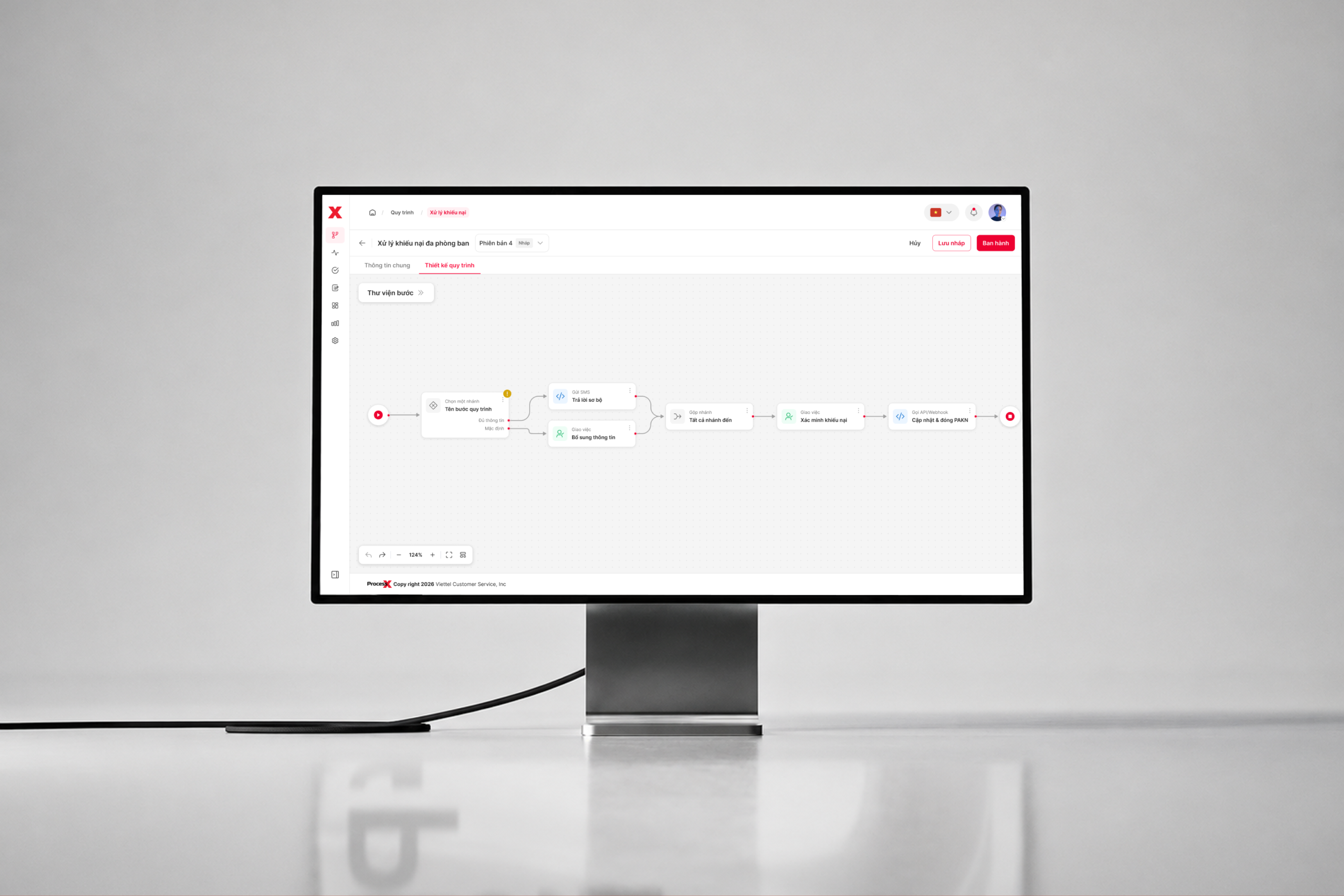
ProcessX: A No-code Workflow Builder for Customer Care Automation
- # PRODUCT DESIGN
- # WORKFLOW AUTOMATION
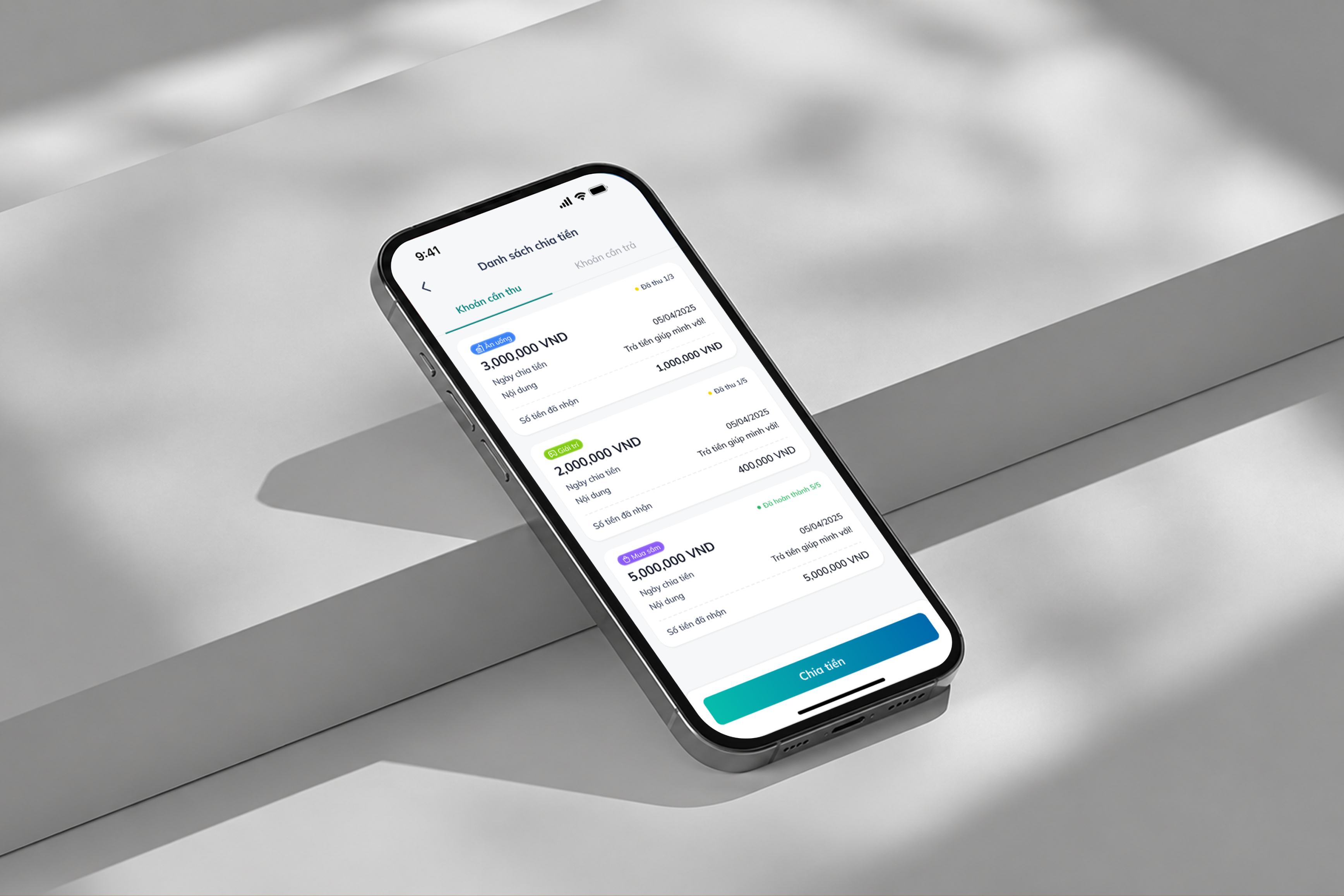
Concept Project - BIDV: Split Bill & Payment Request
- # PRODUCT DESIGN
- # FINTECH
- # CONCEPT PROJECT
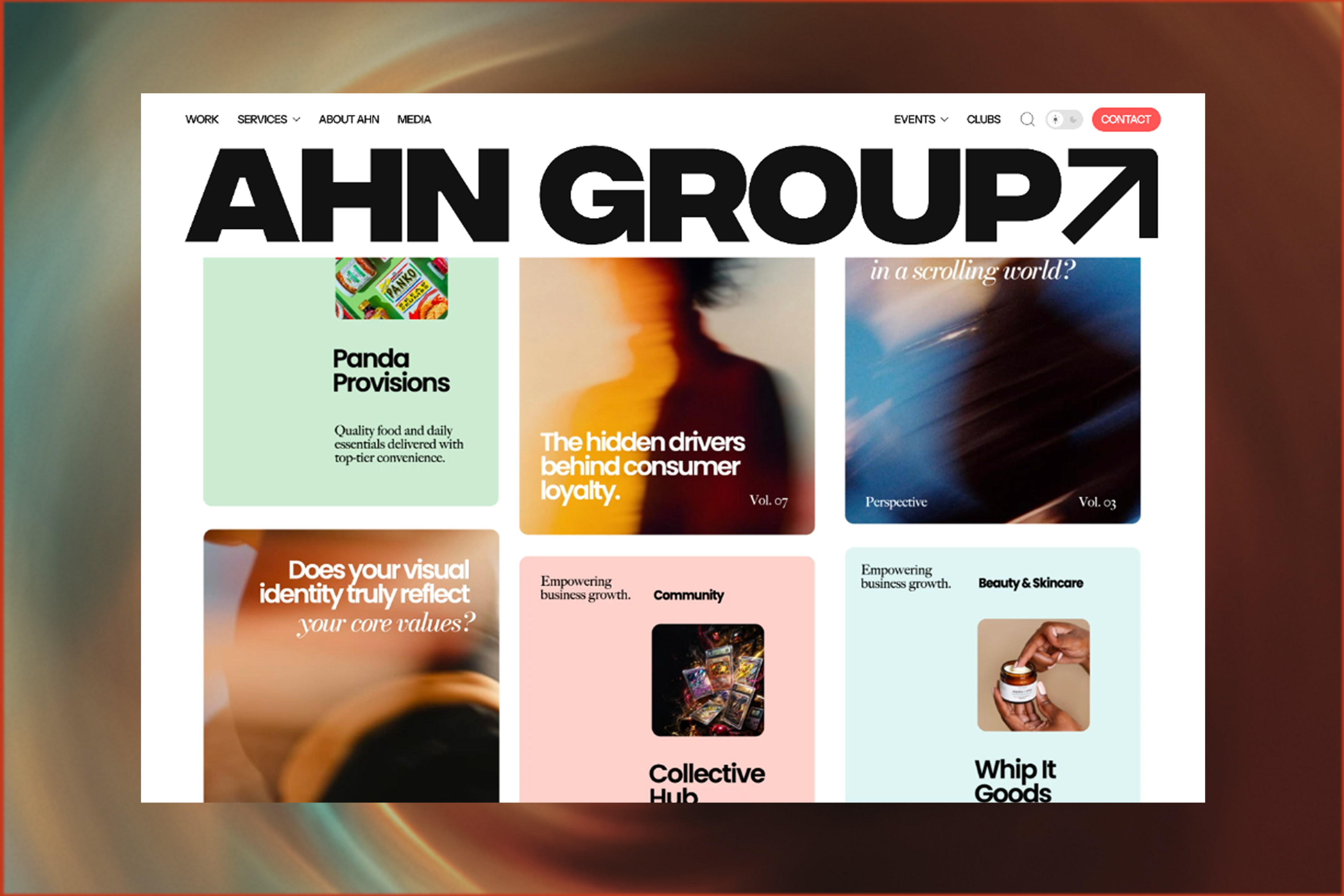
AHN Media: An Interactive Website for a Media Creative Studio
- # WEB DESIGN
- # BRAND WEBSITE
- # ENGLISH-SPEAKING CLIENT